


Sign people up for an account on your site, let them sign in, and let them reset a forgotten password, all with forms in your own style.
Three fields that work with WordPress accounts, so a members area, a course or a client portal can have sign-up and sign-in forms that look like the rest of your site.
Registration, login and password reset come with Echo Forms Signature.
Makes a WordPress account when the form is sent. It asks for a Username 1, an Email 2 and a Password (min. 8 characters) 3, alongside whatever else your form asks.
The entry is saved like any other, so a welcome email can go out from its notifications.
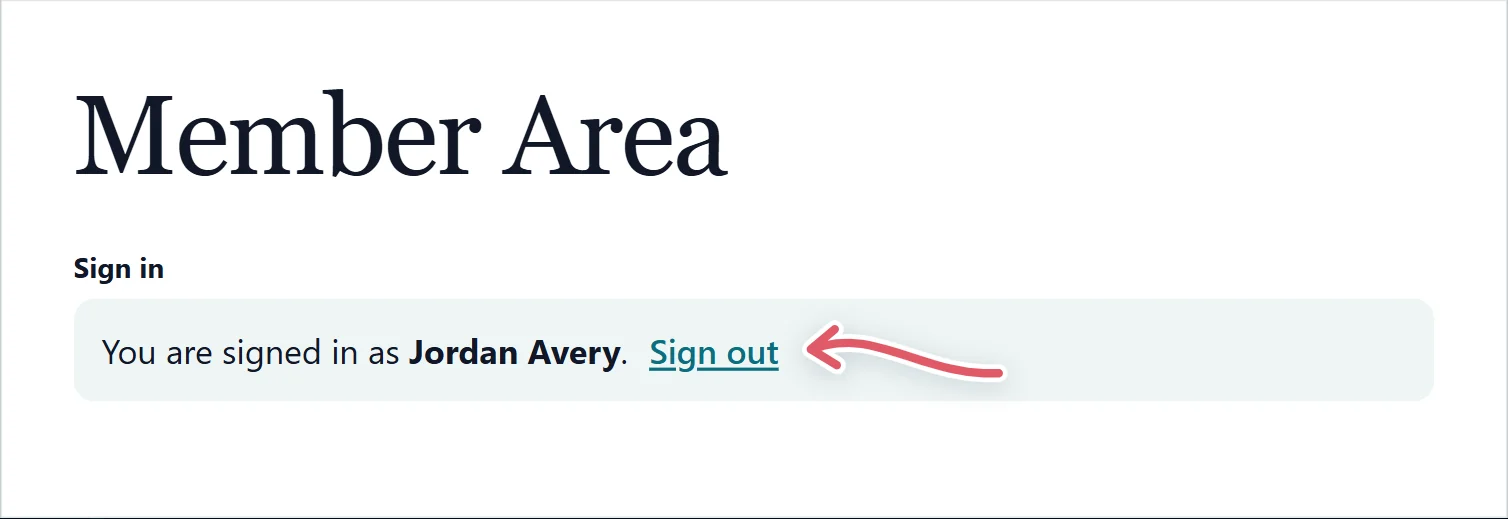
A sign-in form: Username or email, Password and Keep me signed in. Someone already signed in sees You are signed in as … with Sign out.
| Setting | What it does |
|---|---|
| After signing in, go to | An address on this site. Left blank, they return to The page they signed in on. |
| Show a “Forgot your password?” link | Adds the link under the form. |
| Reset page | Where that link goes: WordPress’s own reset page, or a page holding your own password reset form. |
Signing in is never saved as an entry. Five wrong tries from one place make it wait ten minutes (Too many tries. Please wait a few minutes, then try again.).
A box for Your username or email address. WordPress emails a link to set a new password. The form always answers If an account matches, we have sent a link to reset its password, so nobody can use it to find out which addresses have accounts. Requests are not saved as entries.
Put the login form and the password reset form on two pages of their own, then set the login form’s Reset page to the second one.
Support comes with Signature: in Echo Forms, open Help & feedback and tell us what you were doing, and the people who build it answer, seven days a week. Get Signature
Every field, logic and payments, with no limit on forms or entries. We email you the download and three setup steps.
Sending...
Check your inbox