
The Scheduling tab comes with Echo Forms Signature. A form with a schedule keeps it while the add-on is off, and the form stays open.
Open and close dates
A form that opens and closes on its own, so you never have to remember to switch it on at midnight. Perfect for an event registration, a seasonal offer, an early-bird price or applications with a deadline.
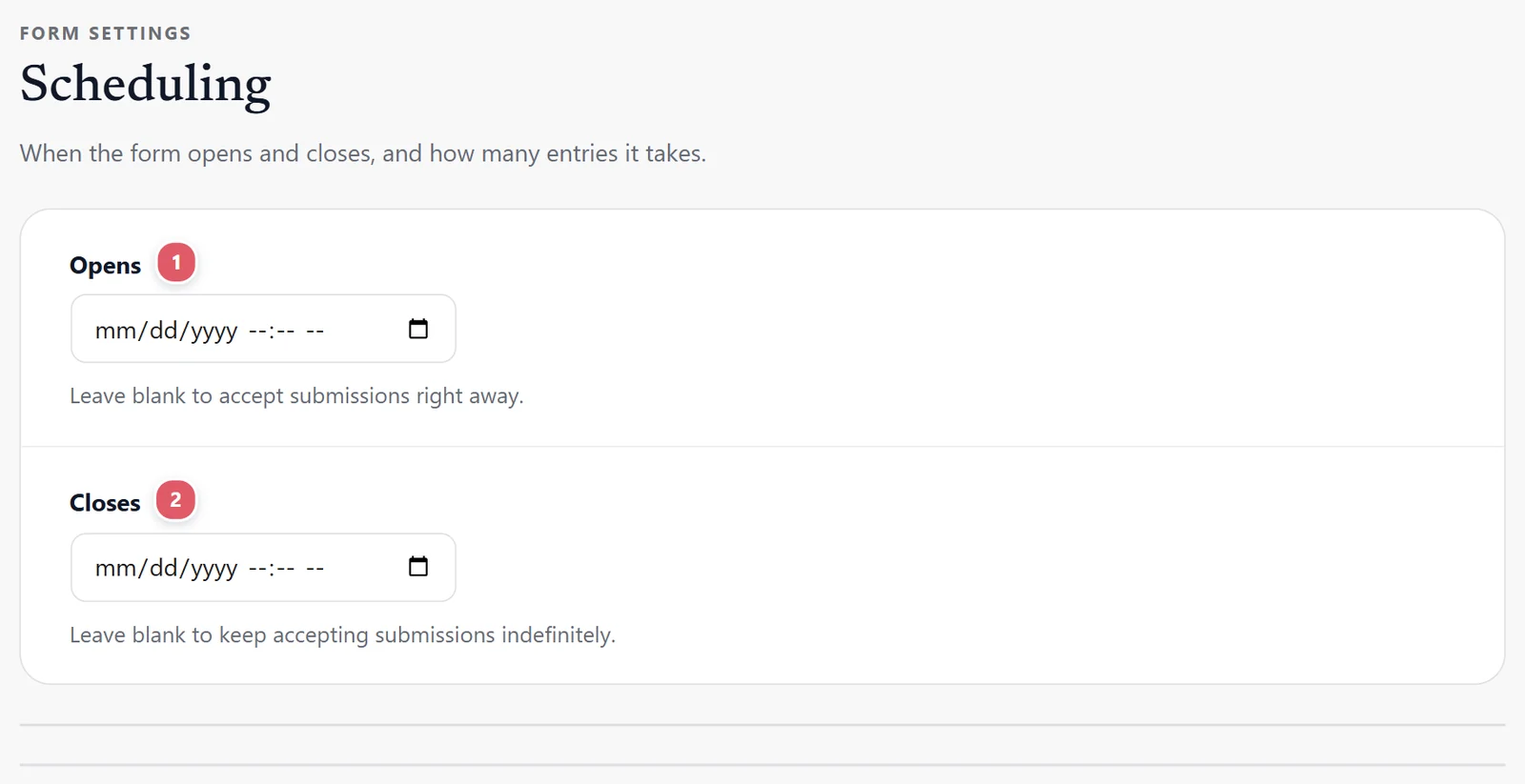
Opens
Opens 1 is the date and time the form starts taking entries. Before then, visitors see the Message when closed instead of the form, so you can put it on your page early and let it open by itself. Leave blank to accept submissions right away.
Closes
Closes 2 is when it stops. From that moment the form is replaced by the Message when closed, wherever it is on your site. Anyone part-way through filling it in when it closes is told it has closed when they press send. Leave blank to keep accepting submissions indefinitely.
Times use your site’s time zone, set under WordPress’s Settings > General. Check it once if your business is in a different zone from your web host.
A limit on entries
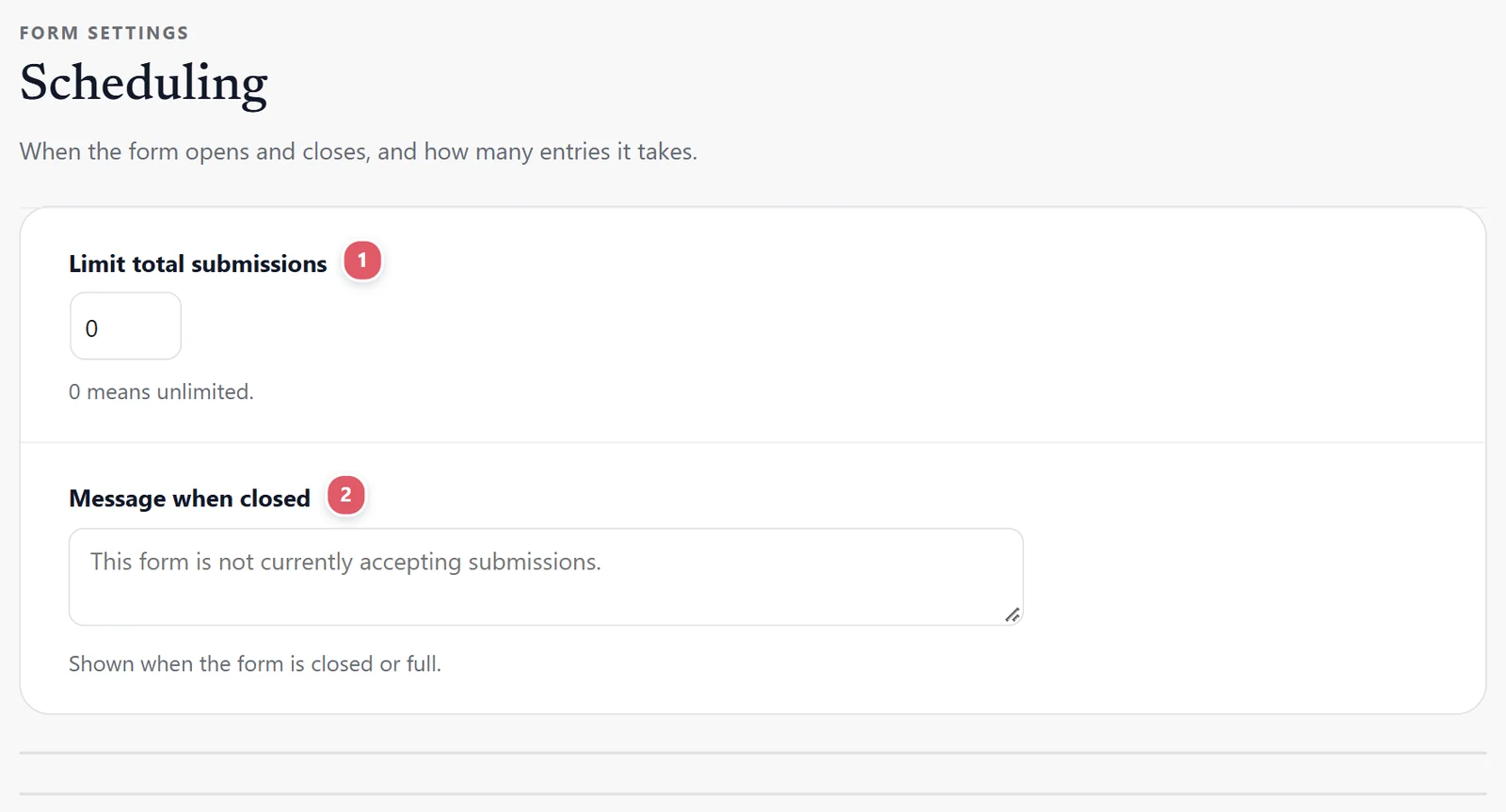
Limit total submissions
Limit total submissions 1 closes the form by itself once it has that many entries: 40 places on a workshop, 100 free samples, 12 spots in a class. The next visitor sees the Message when closed. 0 means no limit.
Entries you move to the trash no longer count, so cancelling one frees a place.
Message when closed
Message when closed 2 is shown in place of the form before it opens, after it closes, or once it is full. It starts as This form is not currently accepting submissions. Make it useful: Registration for the spring workshop is full. Join the waiting list at hello@yourstudio.com or Applications open on March 1.
One entry per person
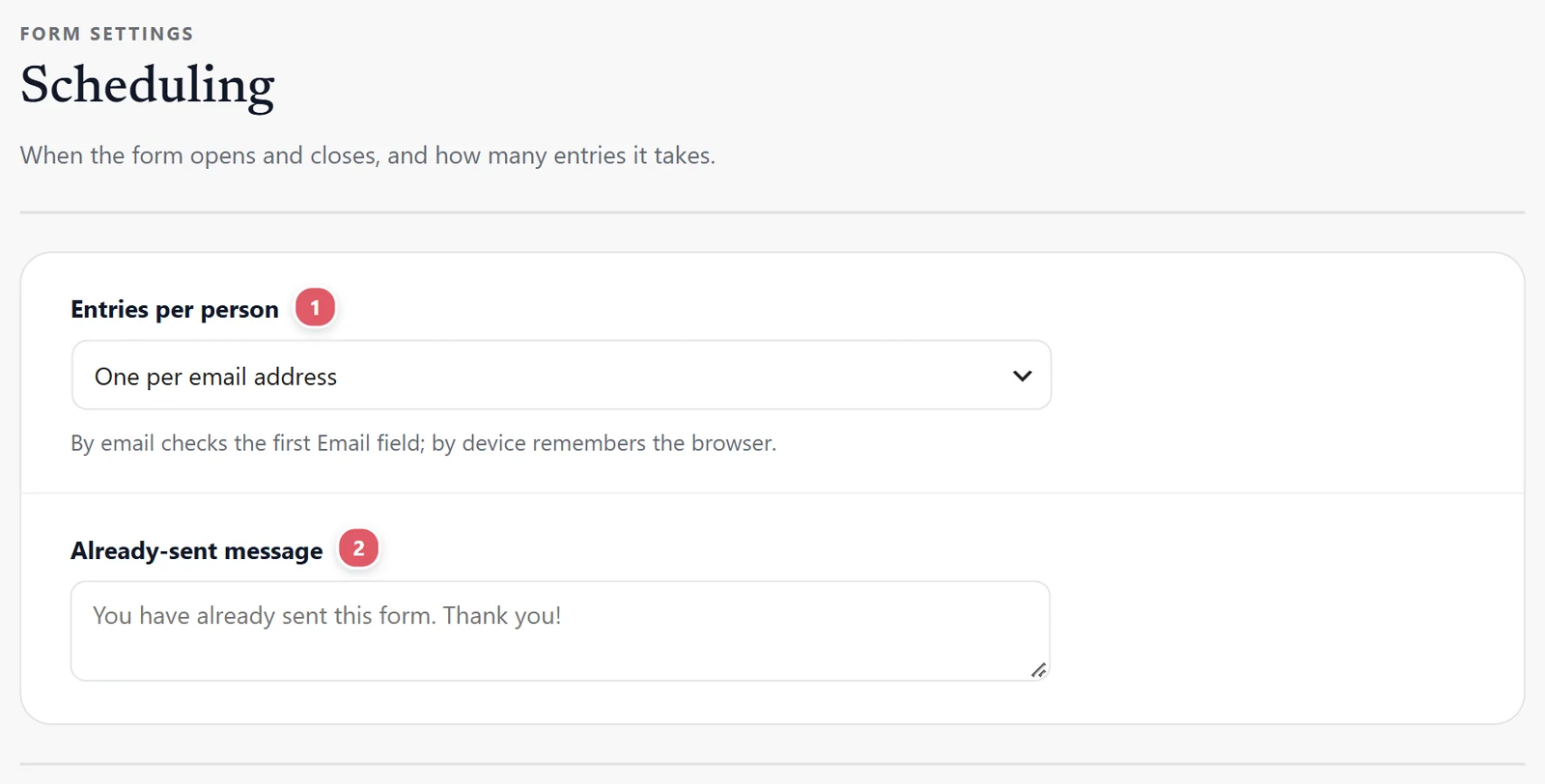
Entries per person
Entries per person 1 stops the same person sending the form again, for a giveaway, a vote, a one-time application or a sign-up with one place each. Choose how a person is recognized:
| Choice | What it does |
|---|---|
| Any number | No limit. |
| One per account (people log in to send) | Each WordPress account can send it once. Someone not logged in is asked to log in. |
| One per email address | Checks the form’s first Email field. Until the form has one, every address can send it. |
| One per device | Remembers the browser that sent it. A second browser or a private window can send again, so use it for a poll or a giveaway, not a vote that matters. |
Pick the strictest that suits the form: One per account is the only one people cannot get round, because it needs a login.
Already-sent message
Already-sent message 2 is what that person sees instead of the form. It starts as You have already sent this form. Thank you! You can use it to point them onward: You are already entered. Winners are drawn on Friday.
The entries, emailed to you
Email the entries 1 Every week or Every month: a spreadsheet (CSV) of the entries that came in since the last one, so a bookkeeper, a manager or an event organizer gets them without logging in. A week or month with no entries sends nothing.
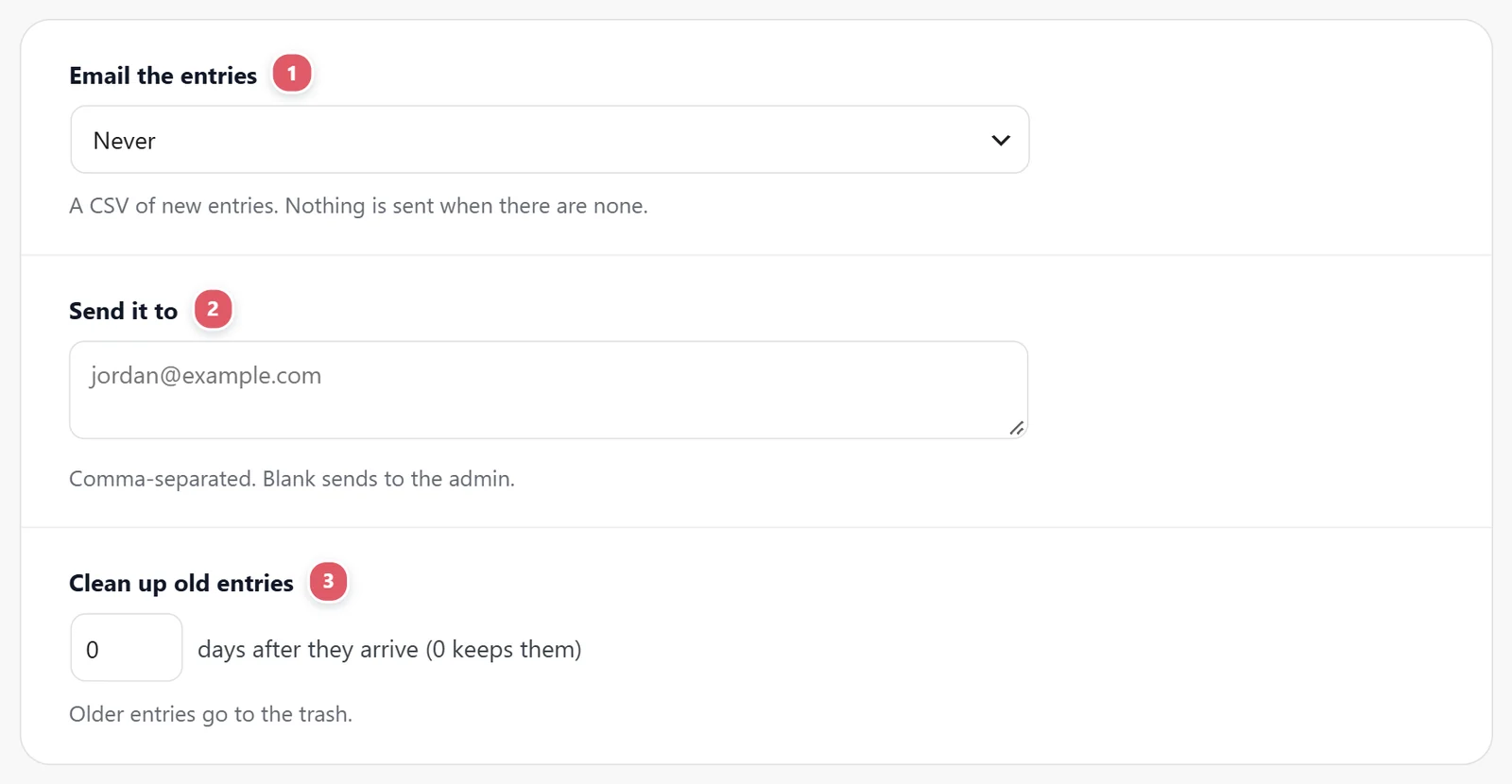
Send it to 2 one or more addresses, separated by commas. Left blank, it goes to the site’s admin address.
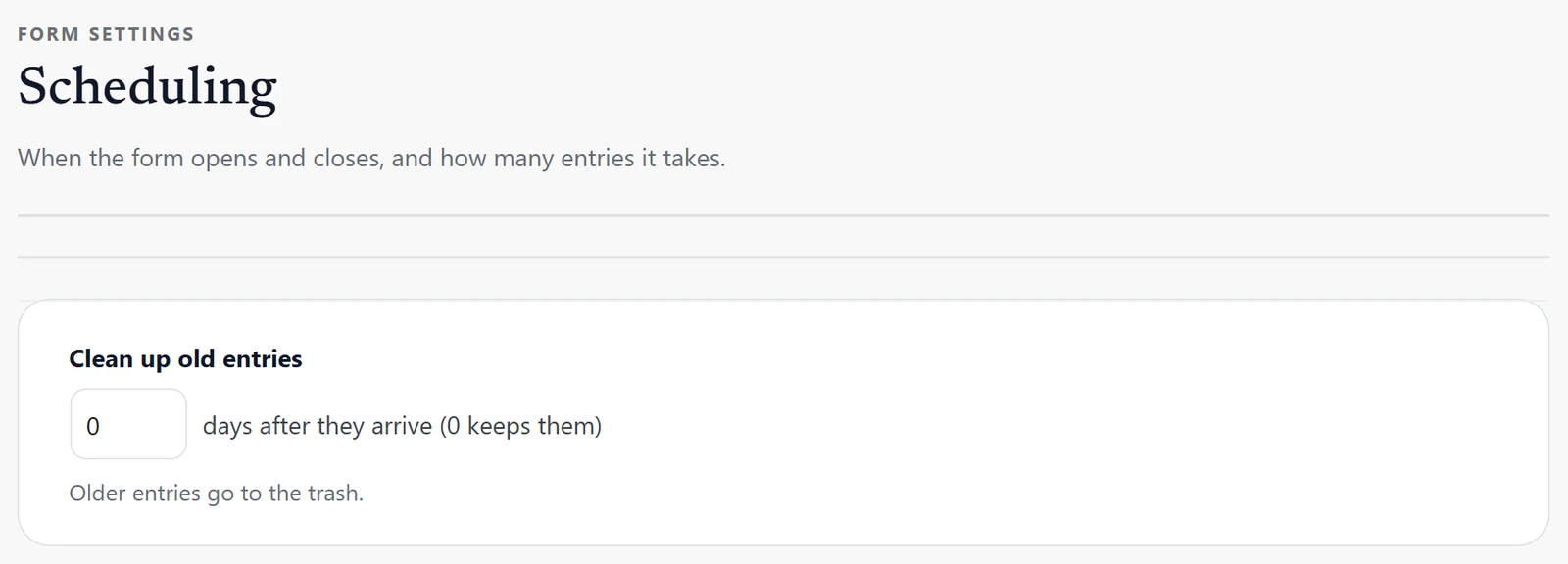
Clean up old entries 3 moves entries older than that many days to the trash, where they can be restored for 30 days before WordPress empties it. 0 keeps them. Useful for keeping personal data no longer than you need.
Clear out old entries
Clean up old entries moves entries to the trash a number of days after they arrive (0 keeps them). They can be restored from the trash for 30 days before WordPress empties it. Useful for keeping personal details no longer than you need them.
Support comes with Signature: in Echo Forms, open Help & feedback and tell us what you were doing, and the people who build it answer, seven days a week. Get Signature