
A form shows wherever you place it. The same form can sit on several pages at once, and every copy sends its entries to the same place.
The shortcode
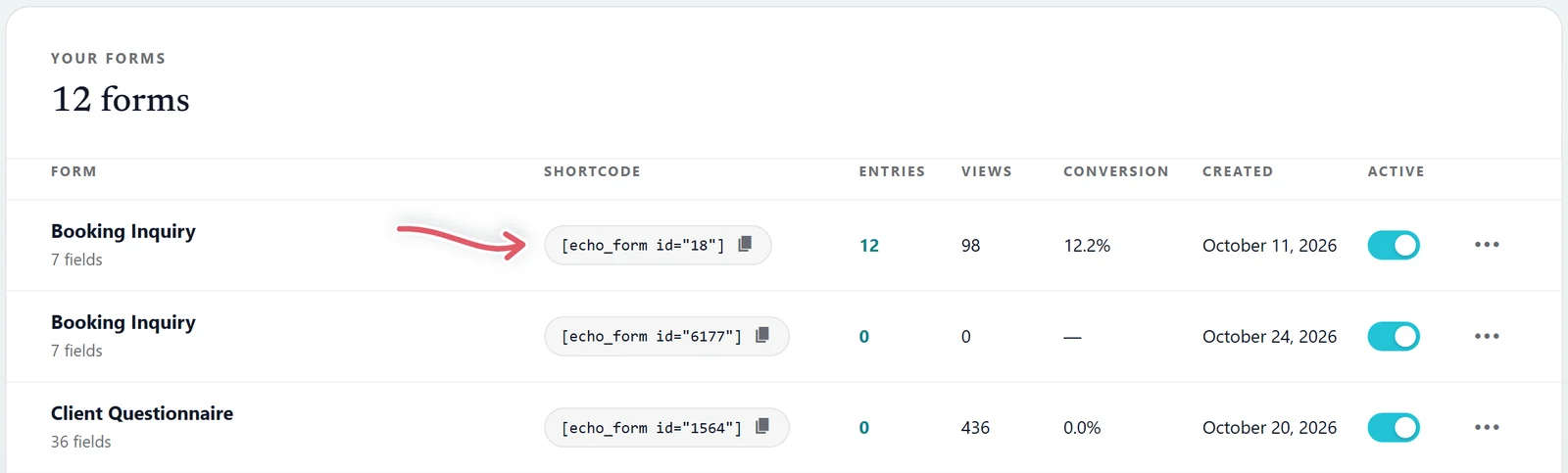
Every form has a shortcode like [echo_form id="14252"]. Find it in the Shortcode column on Echo Forms > Forms and press it to copy it, or press Copy shortcode in the builder. Paste it into any page, post or text widget.
The Echo Form block
In the WordPress block editor, add the Echo Form block and pick the form from its list. The editor shows a live preview of the form, and the page carries the same shortcode underneath.
The Elementor widget
In Elementor, drag the Echo Form widget onto the page and choose the form in its settings. The widget can also send the form without reloading the page.
If a form placed by a page builder shows without its styling, switch on Load the form styles and scripts on every page under Site-wide settings. It costs a little loading on every page, so only switch it on when you need it.
Check it first
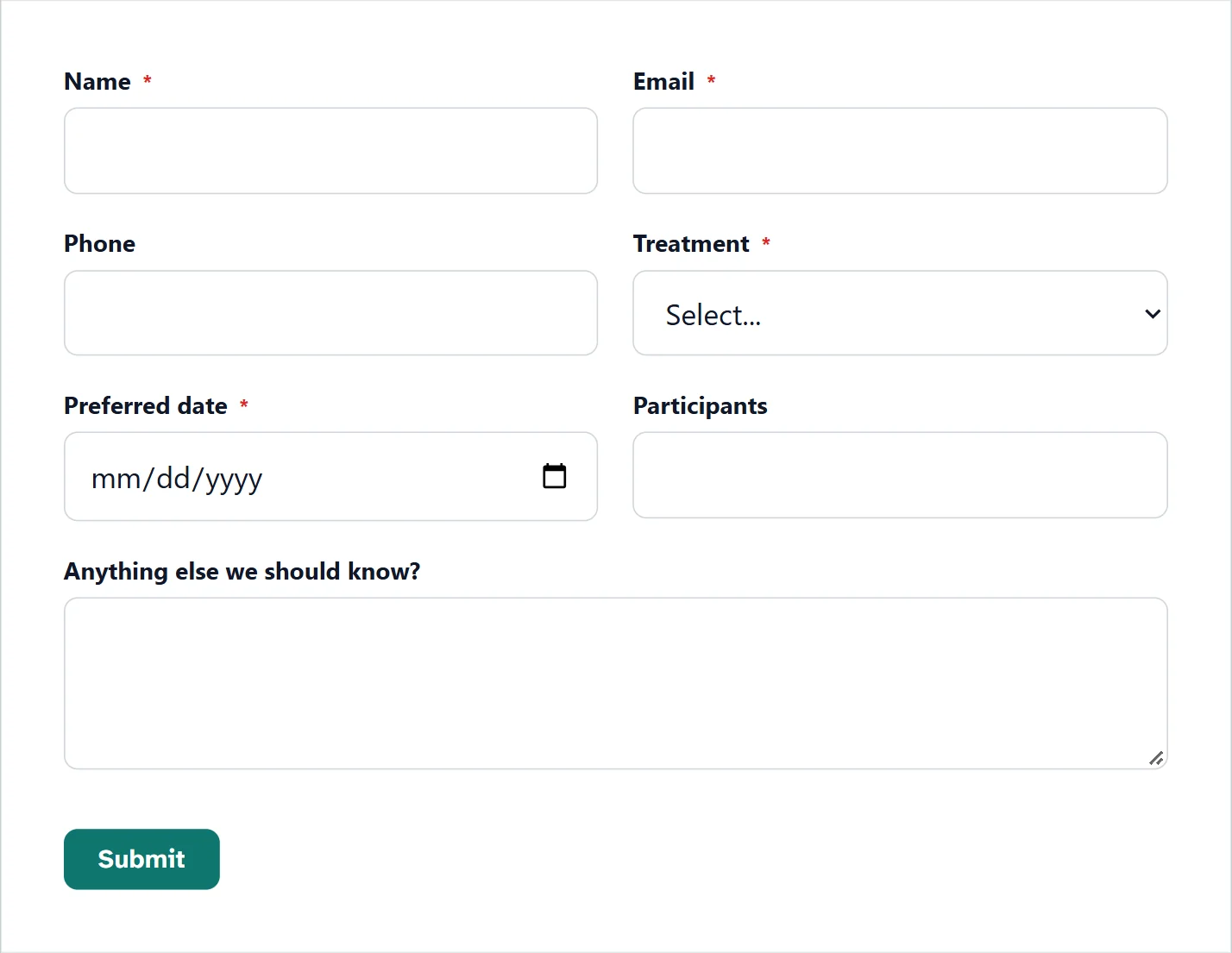
- Preview opens the saved form inside your own theme, before any visitor sees it.
- Test mode and Auto-fill and submit in the builder’s top bar let you run through it. See Build your form.
- The Active switch on the forms list closes a form everywhere at once without deleting it, for a seasonal form. Switched off, every copy on your site says This form is not currently accepting submissions. in place of the form.
Other ways to show it
| Way | Guide |
|---|---|
| In a window over the page, from a button (or on its own after a delay, a scroll or as people leave, with Signature) | Popups |
On a clean page of its own, at an address like /form/coffee-feedback/ (Signature) | Landing pages |
| One question at a time, large and centered (Signature) | Conversational forms |
| A QR code on a poster, flyer or table card | below |
A QR code for a form
A form’s Settings > General tab has a QR code row. Enter The address of the page your form is on: where the code takes people who scan it. Save the form, then press Download PNG for print or Download SVG for a sharp code at any size.

With a landing page, the code points at it unless you enter another address.
Support comes with Signature: in Echo Forms, open Help & feedback and tell us what you were doing, and the people who build it answer, seven days a week. Get Signature